

Smart IT Support provide an outsourced remote IT service for my employer. They’re incredibly professional, responsive and follow-up promptly as soon as a support ti...
Anneli Mezze
10 months ago
Microsoft 365
Migration, licensing, security and ongoing support for Microsoft 365, from a Microsoft Solutions Partner who makes sure your team gets the most from what you're paying for.









Exchange Online

Microsoft Teams

SharePoint & OneDrive

Word, Excel & PowerPoint



This depends on how many users and how much data you have, but most small and medium business migrations are completed within a few weeks. We'll give you an accurate timeline once we understand your current setup.
No. We plan and test the migration process carefully to make sure your email, files and data move across intact, with checks in place before your old system is switched off.
It depends on your business size, security requirements and which applications you need. We review your requirements and recommend the most cost-effective licensing mix, rather than defaulting to the most expensive option.
No. Microsoft is responsible for keeping the platform running, but recovering accidentally deleted emails, files or SharePoint content beyond a limited retention period is your responsibility. We recommend a dedicated Microsoft 365 backup as standard.
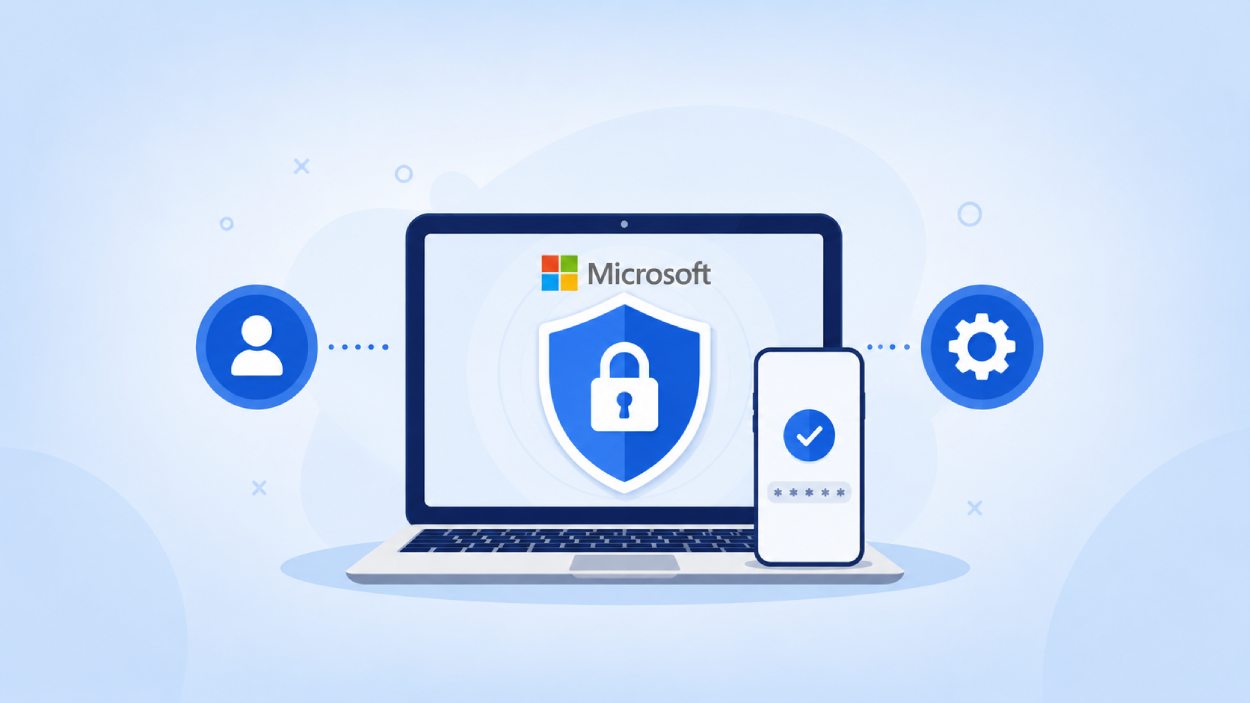
Microsoft 365 includes strong security features, but many aren't enabled by default. We configure multi-factor authentication, conditional access and other security settings as part of every migration and review them regularly afterwards.
Copilot is Microsoft's AI assistant built into Word, Excel, Outlook, Teams and other Microsoft 365 apps. Whether it's worth it depends on how your team works. We can advise on which roles would benefit most and help with rollout so it gets used properly, rather than sitting unused.
Yes. We regularly take on existing Microsoft 365 tenants, review the current configuration, licensing and security setup, and put right anything that's been missed or misconfigured.
Yes. Training is part of our migration process, and we offer ongoing training for teams who want to get more from tools like Teams, SharePoint and OneDrive.
Costs depend on the number of users, licensing tier and level of support required. Microsoft 365 support is typically included within our wider IT support packages, we can provide a tailored quote after understanding your setup.